Preserving culture in the Creative Studio

Person holds a VHS tape at a computer station with the words "Creative Studio" on the wall

Nothing lasts forever, and that includes your old VHS tapes. Even if you still have a VCR to play them, the tape quality can degrade as the years go by. The solution? Digitize those tapes. And you can do it for free in the Main Library Creative Studio! That’s why library patron Alex Yu has … Read more
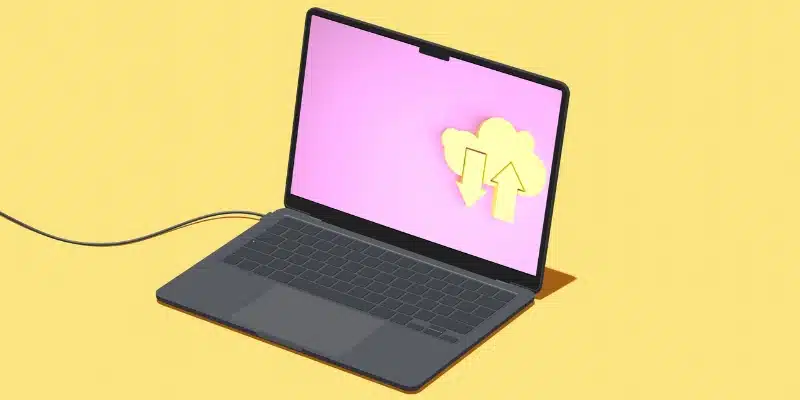
Tech Tips: How to download & upload on a smartphone or device

Graphic displayed on a laptop screen faturing a cloud with one up arrow and one down arrow

Today, it’s easier than ever to get information from the internet using smart devices like phones and tablets. When you use smartphones and tablets, you’ll commonly run into the terms downloading and uploading. These words describe activities you have probably already learned how to do. For example, when you open an email on your phone, … Read more

Tech Tips Smartphone 101: How to use & organize your smartphone home screen

Person holding iPhone

By Creative Technology Librarian Amy Hofmockel Getting to know your phone’s home screen can help you find the apps and tools you need to get your tasks done—whether that’s making a phone call, checking email, or using a favorite app. You can even organize your home screen so only your most used apps show there. Let’s … Read more

Creative Studio turns 1

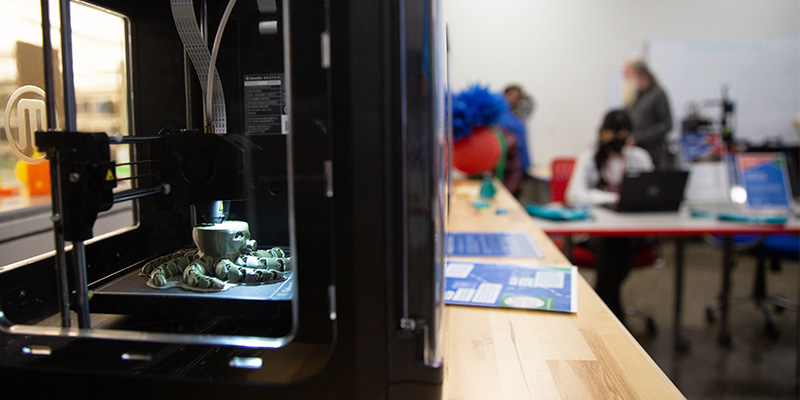
3D printer printing an octopus

We’re celebrating the first anniversary of the Creative Studio! Since the digital makerspace officially opened last April on the Main Library’s third floor, it’s been a fantastic year of learning, expanding offerings, and, of course, lots of creativity. “The Creative Studio provides access to technology and tools that help patrons realize their personal, professional, and … Read more

Tech Tips: How to close, minimize & maximize windows on a computer

Windows browser screen

By Digital Learning Specialist Amelia Ever wondered what the buttons do at the top of your browser bar? Let’s find out! Whether you’re on a PC or a Mac, you’ll encounter a similar set of buttons or icons. These buttons or icons are called “window controls” or “window buttons” and can help you navigate between … Read more

Tech Tips: Getting started with LinkedIn Learning

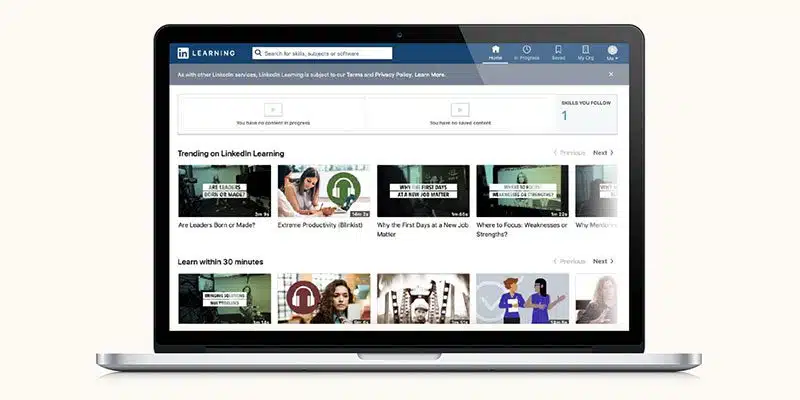
LinkedIn Learning on laptop

LinkedIn Learning is an online learning platform with video tutorials to learn business, software, technology, and creative skills to achieve personal and professional goals. Check out LinkedIn Learning FAQs. Meet LinkedIn Learning With LinkedIn Learning you can: How to log in & get started Watch the LinkedIn Learning video tutorial on this page or follow these … Read more

Tech Tips: How to listen to audiobooks in Libby

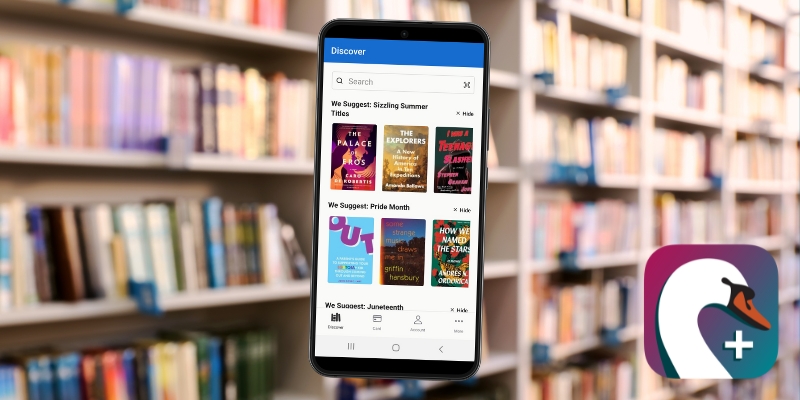
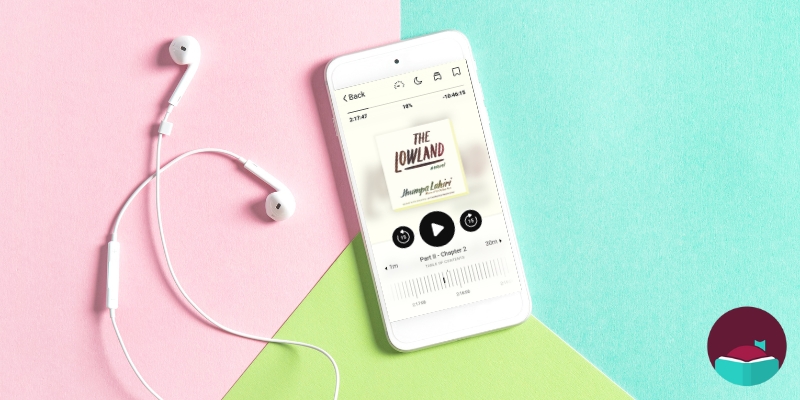
Screenshot of audiobook player on Libby app

By John Gargiulo, Supervising Librarian of Creative Technology In an earlier Tech Tips post, I shared tips and tricks on how to read ebooks and digital magazines on Libby with your smartphone or tablet. But did you know you also can listen to thousands of digital audiobooks on the Libby app too? Let’s get started! First, let’s discuss … Read more

Tech Tips: How to read ebooks & magazines in Libby

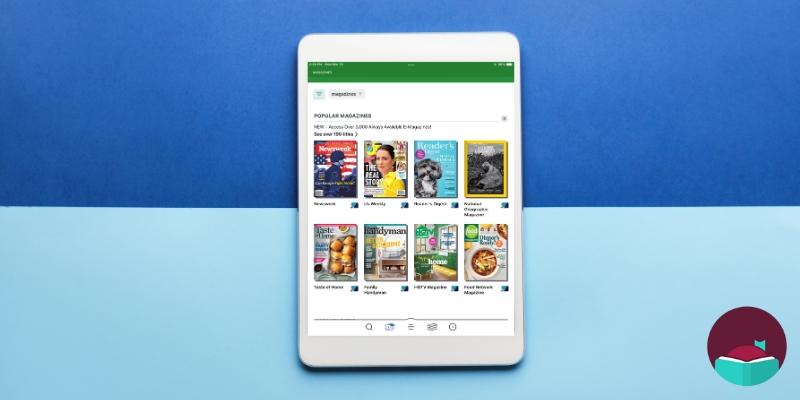
Screenshot of magazines available on Libby app

By John Gargiulo, Supervising Librarian of Creative Technology Did you know that as an Oak Park Public Library cardholder you can access tens of thousands of ebooks and digital audiobooks, and thousands of digital magazines on your smartphone or tablet? In this series of Tech Tips posts, I’ll be sharing tips and tricks on how to do just … Read more

The Affordable Connectivity Program is winding down: Here’s what you need to know

Affordable Connectivity Program: ACP Wind-Down

By Supervising Librarian of Creative Technology John Gargiulo A federally funded benefit program, the Affordable Connectivity Program (ACP) has offered a monthly benefit to eligible households to help with affordable access to internet services since 2021. Now, the future of the program is uncertain. Without urgent congressional funding, the ACP will run out of funds. The funds are … Read more

Tech Tips: How to declutter your devices in 4 steps

A computer desktop cluttered with files

By Creative Technology Librarian Amy Hofmockel Do you have a desktop covered in icons you don’t use? Are you interested in decluttering your digital workspace? Let’s go over some basics of file management so you can find the files you want when you want them. First, what is file management? Just like you might have papers … Read more

Tech Tips: How to scan a QR code (plus, how to print from a smartphone at the library)

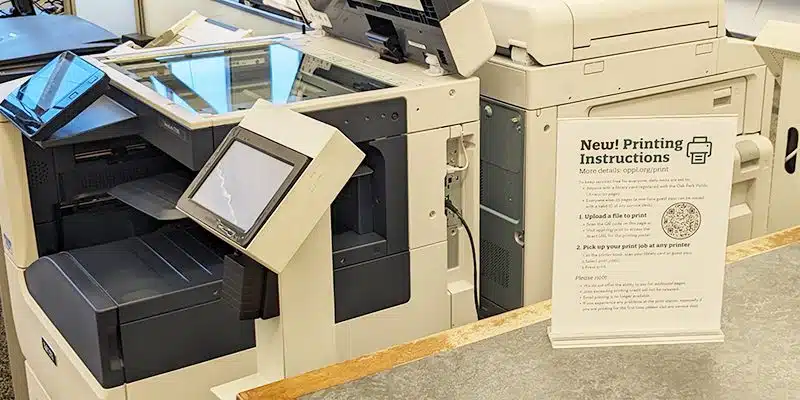
Printing sign with QR code sitting in front of printers at the Main Library

By Digital Learning Specialist Amelia You probably have seen them somewhere by now, black and white square or circular barcode images—known as QR codes (short for Quick Response codes)—on contactless menus, advertisements, and even as a form of payment around the world. But what are QR codes? These barcode images are readable by digital devices—like … Read more

Access news online for free with your library card

Robert Kelly and grandsons sit in chairs in the Main Library Children's Area

When Robert Kelly (pictured above with his grandsons) was working in the software industry, he subscribed widely to magazines and newspapers from around the country. “I like to be able to read a lot,” he told us. “Because there’s so much going on in the world, I like to have a variety of opinions.” After … Read more

Tech Tips Smartphone 101: How do I share this? Identifying the share icon

Three different share icons

By Amy Hofmockel, Creative Technology Librarian When using apps or programs you may come across an image, article, or link that you want to share with someone else. You could copy or download the media and paste it into or attach it to an email to send to the recipient. However, most apps actually have a … Read more

Tech Tips: How to use keyboard shortcuts (beyond cut, copy & paste)

Close up of computer keyboard keys

By Digital Learning Specialist Amelia You might be familiar with the keyboard shortcuts to copy, cut, and paste (and if you’re not, check step-by-step instructions on how to use these shortcuts in Microsoft Word and on your smartphone). But did you know that there are more keyboard shortcuts you can use to navigate your computer … Read more

Tech Tips: What is a URL?

Laptop sitting on kitchen table

By Amelia, Digital Learning Specialist Have you ever wondered what the letters “URL” mean or seen the phrase “follow this link for more information”? Maybe you’ve seen a URL or a website link in advertisements or on event flyers, product information, or even the news. In this Tech Tip, we’ll cover what URLs are and … Read more

Helping kids tackle school projects: African-American History

Three kids studying on a laptop

As school projects are assigned throughout the year, know that your library is here to help! In addition to books, your Oak Park library card gives you access to a number of subscription-based resources that you can use to help you with your research, such as African-American History. African-American History This comprehensive library research site covers … Read more

Tech Tips: Basic digital security: How to create a strong password

Lock icon centered inside a shield with a check mark bubble floating above

By Amy Hofmockel, Creative Technology Librarian It’s so important to create strong passwords—and frequently update them—even though most websites have security measures in place to keep your personal information private. Let’s go over a few of the most basic—but most important—ways to keep your digital data safe, starting with how to: 7 steps to a … Read more