Read, listen & watch from anywhere
Borrow ebooks, digital audiobooks, movies, TV shows, magazines, newspapers, and music—with apps or in your browser—on all of your devices with your Oak Park library card and PIN. Have questions? Get answers to FAQs, watch how-to videos, read about your data privacy, and contact us.
Hoopla
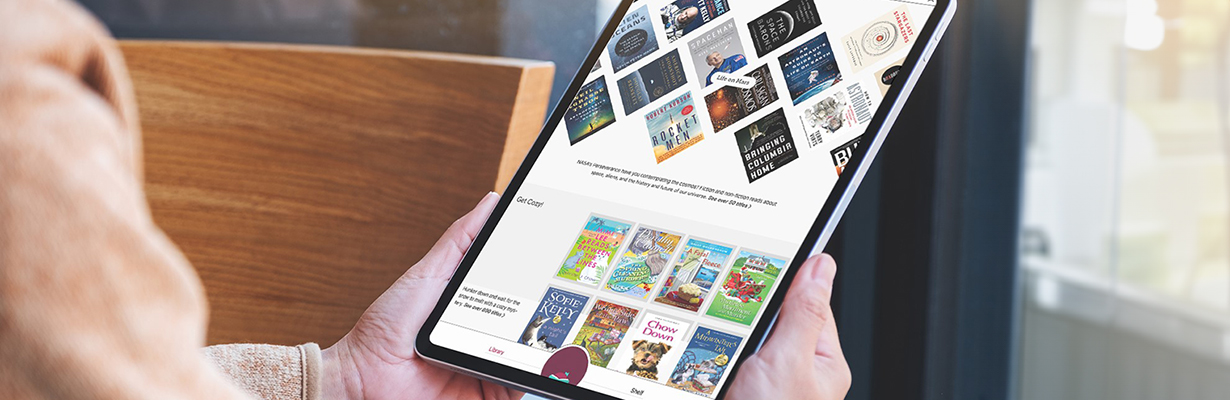
More than one million ebooks, digital audiobooks, comics, movies, TV shows, and albums. Available on Apple iOS, Android, Kindle Fire HD/HDX, and in browser on laptop/desktop (using the Hoopla link above); stream on Android TV, Apple TV, Fire TV, LG TV, Roku devices, and Samsung TV.
- Want help getting started? Explore Hoopla FAQs.
- Need to add your PIN? Hoopla requires all users to add their Oak Park library PIN. Learn how in the Hoopla FAQs, then click Add or Update PIN for step-by-step instructions.
- Forgot your PIN? Get instructions on how to reset your PIN.
Checkout periods & lending limits
- No holds, no waiting
- Borrow 5 items (available checkouts reset at midnight on the first of the month)
- Lending periods:
Special features
- First-time users must enter their email address and create a password. Remember this email and password to log in next time.
- Download content for offline use on mobile devices.
- Kids Mode is a multi-format, digital media experience designed especially for ages 0-12.