
Tech Tips: How to find a digital newspaper or magazine

Person searching on laptop

Your Oak Park Public Library card gives you access to thousands of digital newspapers and magazines. Different streaming apps like PressReader, Flipster, and Libby all provide access to digital newspapers and magazines. So what is the best way to start when you’re looking for your favorites? 1. Is it a magazine or a newspaper? 2. … Read more

Tech Tips Smartphone 101: How to copy & paste on your smartphone

Hands holding a smartphone

By John Gargiulo, Supervising Librarian of Creative Technology You have likely used the copy and paste functions to move text on your computer, within a document or email, or from one application to another. (If you haven’t, check out these copy and paste shortcut instructions you can use on your computer.) But how do you complete … Read more

Tech Tips: How to sign up for a Learning Lab

Two people wearing masks and working on a laptop

By Amy Hofmockel, Creative Technology Librarian Looking for one-on-one help with a specific digital learning or technical topic? Sign up for an in-person Learning Lab appointment—available at all three library locations—and get a focused 30-minute session with a Learning Lab instructor. You can request an appointment by filling out our Learning Lab Appointment Request form, but before … Read more

Tech Tips: Refining your Google search using domain suffixes

Google suffix search

By John Gargiulo, Supervising Librarian of Creative Technology Searching the internet for trustworthy information can feel exhausting at times. With seemingly endless results, it’s often tempting to just click on the first or second option. But is the first result the most useful or the most accurate? Maybe, but not necessarily.  One easy way to narrow the scope … Read more

Explore chess

Wooden chess board with two players

Chess challenges young minds to think critically. It teaches sacrifice and strategy, and exercises the ability to think ahead. And it’s fun! Whether kids are new to chess or have been playing for some time, check out these resources. On-demand video tutorials Luis Tubens taught chess at the Oak Park Public Library for several years; … Read more

Tech Tips: Google Drive basics

By John Gargiulo, Supervising Librarian of Creative Technology Do you have a Gmail account? Gmail provides you with access to Google apps like Docs, Slides, and Drive. If you have used Docs and Slides before, you may have noticed that all of those files are stored in Google Drive. So what is Google Drive? Cloud-based storage: Files are autosaved … Read more

Tech Tips Smartphone 101: How to install apps on iPhone & Android

Man using smartphone

Smartphones have changed the way we communicate and interact with the world around us. Beyond acting as a telephone, smartphones allow us to have instant access to quick and useful tools called apps. What are apps for? Simply put, an app is a type of software that allows you to perform different tasks. The word … Read more

Tech Tips: Google Docs basics

Person working on laptop and writing on paper with pen

By John Gargiulo, Supervising Librarian of Creative Technology Do you have a Gmail account? Gmail provides you with access to Google apps like Docs, Drive, and Slides. If you have used programs like Microsoft Word before, Google Docs will feel very familiar to you. ‘A more streamlined feel’ Google Docs is a text editor program with a more … Read more

Raising kids? Top 5 reasons you need your library

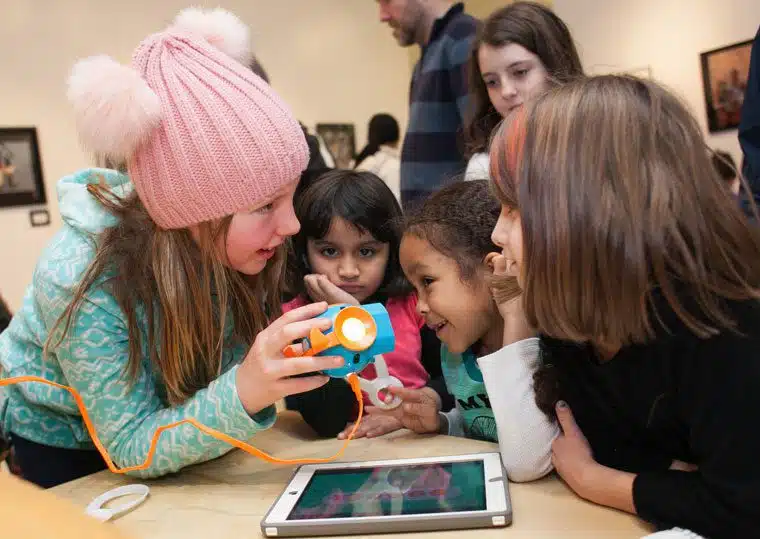
Kids at 2018 Code Fest

Know someone without a card? Help us spread the word! Learn more about getting and using your card » #1: You get to say yes more! No late fines and automatic renewals? Go ahead, get all the books, music, and movies you can carry—and then some. With each library card, you can check out up to 200 … Read more